WRECKED Scripts
Feature lists, usage notes, and safety guidance for players who choose automation tools.
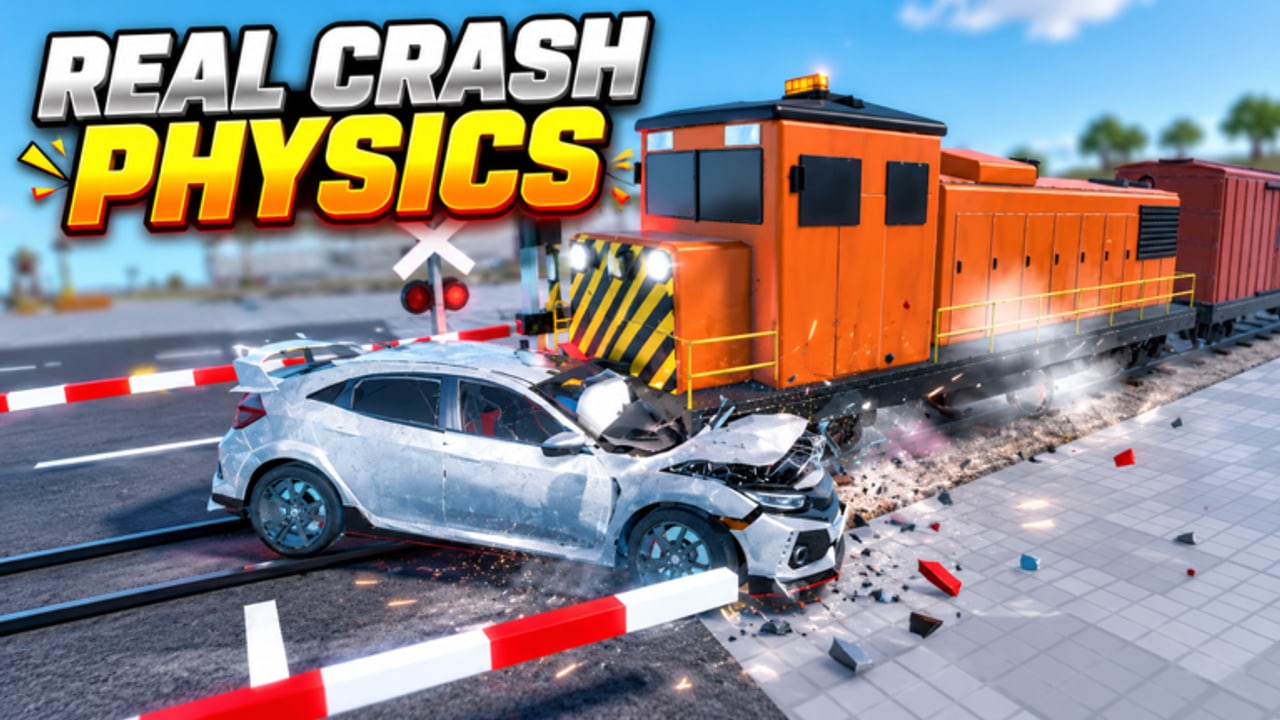
This Scripts Hub documents commonly shared executor tools for WRECKED [Realistic Crashes] on Roblox. Using scripts can violate Roblox Terms of Use and may risk account moderation. Prefer an alt account, understand the risk, and never share your main password or session cookies. This wiki does not encourage breaking rules—we document what players already search for and how to stay safer if they proceed anyway.
WRECKED is a free-to-play vehicle destruction sim by BloxNG (released 26 October 2026, universe ID 10773161216, place ID 77843690602580). Servers hold up to 12 players. The honest progression path is still drive → smash → cash → unlock, covered in Getting Started and Earn Cash Fast. Scripts simply automate pieces of that loop.
Barrage hub (primary listing)
A widely shared hub for WRECKED is Barrage. Typical loadstring:
loadstring(game:HttpGet("https://barrage.cc/loader"))()Paste into a supported executor while you are in the WRECKED place, then complete any key system prompts the hub shows. Key systems change; follow the on-screen steps and avoid phishing pages that ask for Roblox login.
Feature overview
| Feature area | What it usually does |
|---|---|
| Auto Crash Farm | Drives smash loops with Blatant / Custom / Subtle presets |
| Auto Machines | Interacts with crushers, hammers, shredders, bulldozers |
| Auto Buy Cars | Purchases unlocks when you have cash |
| Auto Upgrade Parts | Spends cash on part upgrades |
| Auto Claim | Claims available rewards / drops |
| Car Mods / Looks / Settings | Visual and vehicle tweaks |
| Recovery Assist | Helps after flips or soft-locks |
| Movement / Teleport | Faster repositioning around the map |
Deep dive: Auto Crash Farm — sit in a car before enabling farm modes, and pick Subtle if you want lower visual noise on public servers.
Recommended safe workflow
- Read Controls so you understand manual play first.
- Join on an alt if you insist on scripting.
- Sit in a spawned car, then run the loadstring.
- Start Auto Crash Farm on Subtle or Custom before Blatant.
- Watch Auto Buy / Upgrade so you do not dump cash on weak cars—cross-check the Cars Tier List and Machines Tier List.
- Prefer free private servers for long AFK farms; public servers (size 12) are noisier and more report-prone. See Community and Game Passes.
What scripts cannot fix
- Missing game sense for which machines pay best.
- Bad car choices that waste Auto Buy budgets.
- Ban risk, executor malware, or fake key sites.
- Official promo codes—those belong on the Codes Hub (currently no verified public codes as of mid-November 2026).
Ethics and etiquette
On public servers, blatant teleport spam and blocking machines can ruin sessions for others. If you farm hard, use a private server. Manual players should still learn the Machines Guide so they are not dependent on a single hub staying online.
Safety first
Before any loadstring, read Script Safety: executor malware, phishing key pages, alt-account hygiene, Roblox ToS, and when you should simply not script. Prefer free Private Servers for quieter sessions, but remember privates do not make automation allowed.
Related pages
- Script Safety — risks, phishing, ToS, when not to script.
- Auto Crash Farm — presets, sit-in-car requirement, troubleshooting.
- Earn Cash Fast — legitimate farming routes.
- Updates Hub — patches can break scripts overnight.
- Wiki overview — official place link and site map.
Disclaimer: Scripts are use-at-your-own-risk. Features, keys, and URLs change without notice. This page is informational only and is not affiliated with BloxNG or Roblox.
Frequently Asked Questions
Quick answers to the most common questions.
What is the Barrage loadstring for WRECKED?
Players commonly use loadstring(game:HttpGet("https://barrage.cc/loader"))() then complete the hub key system. Always verify the URL yourself.
Do I need to sit in a car first?
Yes for Auto Crash Farm. Sit in a vehicle before enabling farm presets or the script may fail to start loops. Details on Auto Crash Farm.
Can scripts get my account banned?
Yes. Automation can violate Roblox ToS. Prefer alt accounts and private servers, and never share your main credentials.
Are scripts required to enjoy WRECKED?
No. The game is built around manual wrecking for cash. Start with Getting Started and Earn Cash Fast.
Why did my script stop working after an update?
Place updates break offsets and remote hooks. Check Patch Notes and wait for hub authors to patch.
Where is the script safety guide?
See Script Safety for executor risks, phishing keys, alt advice, and when not to script.