WRECKED Auto Crash Farm Script Guide
Configure Barrage farm presets safely, sit in a car first, and understand the risks before AFK wrecking.
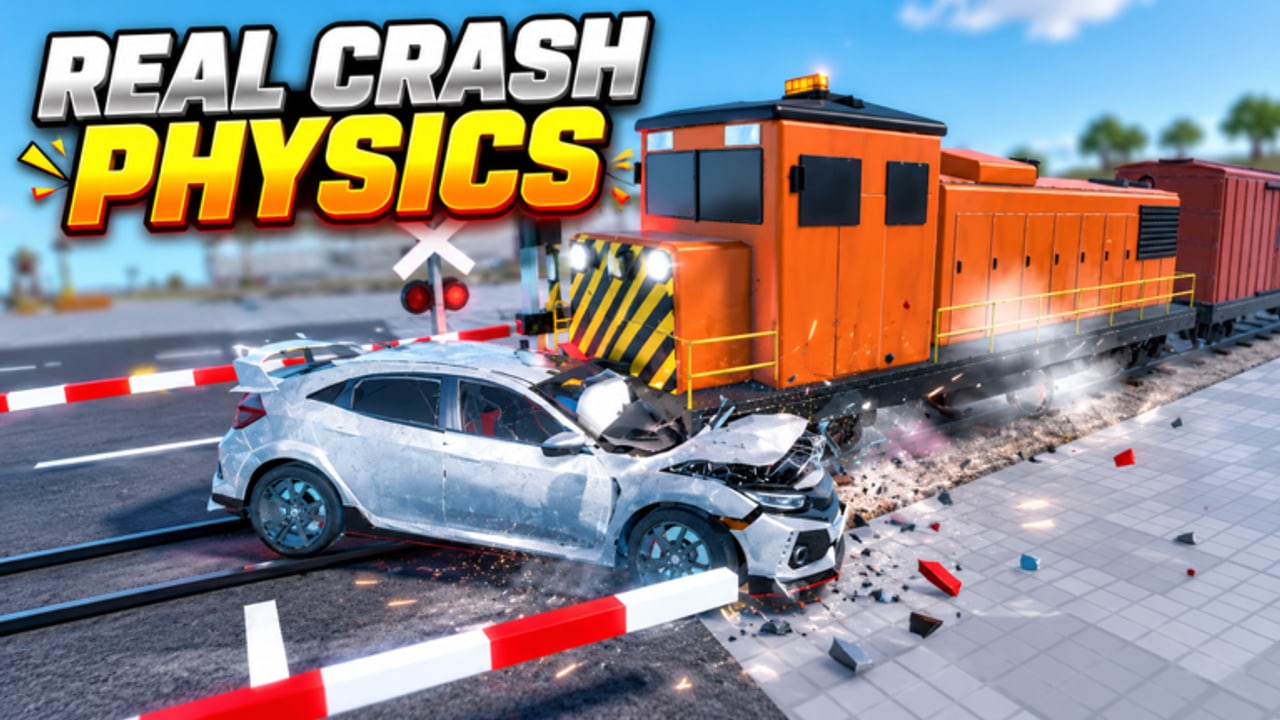
Auto Crash Farm is the headline automation feature players look for in WRECKED [Realistic Crashes]. It attempts to repeat the smash loop—line cars into hammers, crushers, shredders, or bulldozers, collect cash, buy upgrades—without constant manual input. This page explains how the widely shared Barrage hub exposes that feature, how to start it correctly, and why you should treat every step as use at your own risk.
Using executors and scripts can violate Roblox Terms of Use. Prefer an alt account, never share cookies or passwords, and consider staying on free private servers to reduce reports. Manual mastery still matters; read Getting Started, Controls, and Earn Cash Fast before you automate anything.
Loadstring and key system
Common Barrage loader:
loadstring(game:HttpGet("https://barrage.cc/loader"))()- Join WRECKED on your chosen account.
- Attach a supported executor.
- Run the loadstring.
- Complete the key system gates the hub shows (third-party key pages change often—watch for phishing clones that ask for Roblox login).
- Open the WRECKED tab inside Barrage once the UI injects.
If the hub fails after a BloxNG patch, wait for authors to update. Track game changes on Patch Notes and the parent Scripts Hub.
Critical setup: sit in a car first
Auto Crash Farm expects an active vehicle context. Sit in a car before enabling the farm. Players who toggle Blatant/Custom/Subtle while on foot often see no movement, immediate errors, or half-initialized paths. Recommended order:
- Spawn a cheap, reliable car (see Cars Tier List).
- Sit in the driver seat.
- Enable Auto Crash Farm with Subtle or Custom first.
- Add Auto Machines / Auto Claim only after the loop looks stable.
- Enable Auto Buy Cars / Auto Upgrade Parts once you trust the shopping logic—or leave them off and spend manually using Machines Tier List priorities.
Presets explained
| Preset | Behavior (typical) | Best used when |
|---|---|---|
| Subtle | Slower, less flashy pathing | Public servers, lower visual noise |
| Custom | User-tuned speeds / targets | You know which machines pay |
| Blatant | Aggressive, obvious automation | Private servers, speed over stealth |
Subtle is not “undetectable.” It only changes how obvious the bot looks to other players. Roblox moderation and anti-cheat concerns still apply.
Companion features that pair with the farm
Barrage-style hubs for WRECKED often bundle:
- Auto Machines — interacts with crushers and related smash props.
- Auto Buy Cars — spends cash on unlocks; can waste money on low-tier junk if untuned.
- Auto Upgrade Parts — pushes part upgrades; watch cash reserves.
- Auto Claim — grabs claimable rewards.
- Car Mods / Looks / Settings — cosmetic and handling tweaks.
- Recovery Assist — helps after flips near shredders.
- Movement / Teleport — repositions quickly; high report magnet on public servers.
For machine fundamentals without scripts, use the Machines Guide. For pass weapons that change clear speed (Rocket Launcher, Dynamite, etc.), see Game Passes.
Public vs private server farming
Public (size 12): Contested machines, higher chance someone reports odd movement, more physics lag. If you still farm here, use Subtle and avoid teleport spam.
Free private servers: Ideal for long sessions, testing Custom routes, and recording whether Auto Buy follows your intended tier path. Hosting tips: Community.
Optimization tips that still matter
Automation does not erase bad economy choices:
- Prioritize unlocking strong machines before a garage full of novelty cars (Tier List Hub).
- After limited drops (like the 6 Nov 2026 15-minute luxury vehicle window), re-evaluate whether Auto Buy should chase the new car.
- Nitro or explosive passes can change cycle time—retest presets after purchase.
- Codes remain unrelated; Codes Hub still shows no verified public codes as of mid-November 2026.
Troubleshooting
| Issue | Try this |
|---|---|
| Farm does nothing | Sit in a car; rejoin; re-run loader |
| Car loops into walls | Switch Subtle → Custom; pick a clearer machine lane |
| Buys terrible cars | Disable Auto Buy; purchase via tier lists |
| Stops after update | Disable script; check Updates; wait for hub patch |
| Key page looks fake | Do not log into Roblox on the key site; verify URL carefully |
| Executor crashes | Update executor; reduce teleport features |
Ethics reminder
Do not ruin public sessions by monopolizing every machine with Blatant pathing. Private servers exist for a reason. If you only want cinematic crashes with friends, you may not need scripts at all—manual play with Controls is half the fun of a realistic crash sandbox.
Related pages
Disclaimer: Feature names, keys, and URLs change without notice. This page is informational, not an endorsement, and is not affiliated with BloxNG or Roblox.
Frequently Asked Questions
Quick answers to the most common questions.
Why must I sit in a car before Auto Crash Farm?
The farm hooks vehicle driving and smash routines. Starting on foot often fails to initialize. Sit first, then enable a preset.
Which preset should beginners pick?
Subtle or Custom. Save Blatant for private servers once you confirm the route works.
Is Auto Crash Farm ban-proof?
No. Any script can risk moderation. Prefer alts and understand Roblox ToS before using executors.
Should I enable Auto Buy Cars?
Only if you trust the shopping logic. Many players buy manually using the Cars Tier List to avoid junk unlocks.
What loadstring do players use?
A common Barrage loader is loadstring(game:HttpGet("https://barrage.cc/loader"))(). Verify the URL yourself and complete its key system carefully.
Do I still need to learn machines manually?
Yes. Scripts break after patches. The Machines Guide keeps you productive when hubs go down.